

You are on a train, passing through an area with no reception. A photo app still recognises a face. A keyboard may still suggest words. On a supported device, a model may help with a short piece of text without sending that text to a remote server. It is easy to overlook the significance because the phone looks exactly as it did yesterday. Yet the location of the calculation has changed.
For years, many impressive AI experiences depended on enormous systems in data centres. Your phone collected an image or a request, transferred information over the internet and waited for a result. That arrangement remains essential for many tasks. But an increasingly capable alternative is taking shape: on-device AI, where the model processes information using the phone’s own chips and memory. It is not one feature or one brand. It is a change in how the work is divided.
First, what exactly is running locally?
“AI on a phone” covers several different technologies. A camera can use machine learning to adjust a portrait or reduce noise. A speech-recognition system can turn sound into words. A language model can produce a short summary or rewrite a message. These are not the same workload. Some use specialised small models trained for one job; others use more flexible generative models. Some are local, some are cloud-based, and some split a task between the two.
This distinction matters because a phone displaying an AI button tells you almost nothing about where the underlying calculation occurs. A cloud-connected assistant can appear within a phone app; that does not make its model local. Conversely, a feature that downloads a model once might operate without a connection afterwards. To find out what is really happening, you need the provider’s technical explanation and, where possible, a practical offline test.
How a tiny computer handles an enormous idea
An AI model is a set of learned numerical patterns. During use, the phone applies those patterns to new data — a sentence, image, sound clip or other input. This step is called inference. Training a large model usually requires far more resources than using a prepared version. That is one reason local AI became practical: the model does not have to learn everything from scratch every time you ask a question.
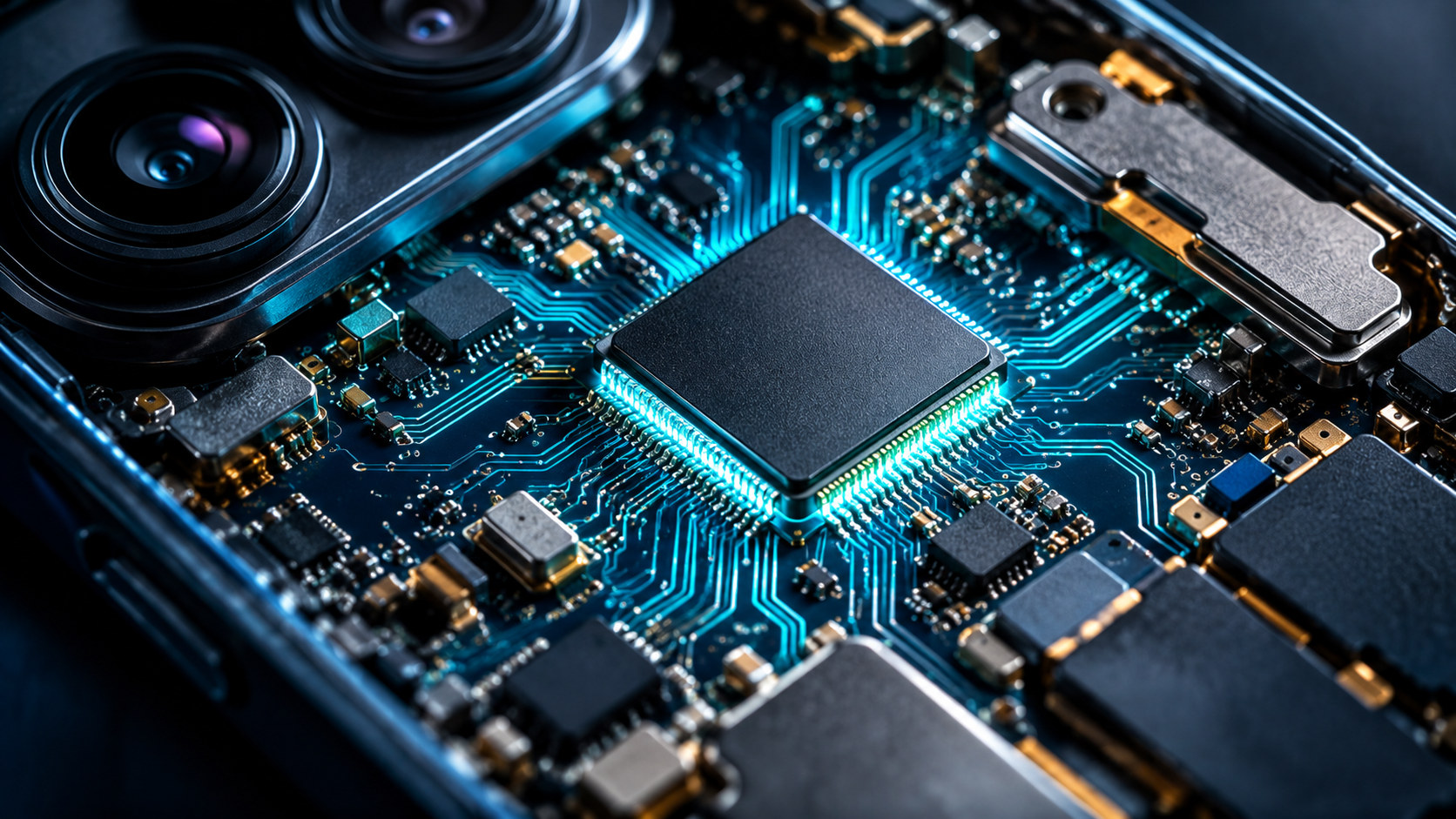
Modern devices contain a conventional CPU for general tasks, a GPU that can accelerate many parallel calculations and, in some designs, a neural processing unit or NPU tailored to common AI operations. The operating system decides how to use available hardware, depending on the model and the task. Moving a calculation to an efficient accelerator can reduce the time and energy it needs, but it does not remove the limits of memory, temperature or battery life.
Engineers also make models smaller. Techniques such as quantisation represent some numerical values with fewer bits, reducing storage and often improving efficiency. This is not free: model accuracy and behaviour must be tested again after optimisation. A small model can be excellent at summarising a short message and still be a poor substitute for a larger model tackling a complex, unfamiliar problem. “Runs on my phone” is a technical achievement, not a quality certificate.
Android’s approach: Gemini Nano and AICore
Google’s Android documentation describes Gemini Nano, a compact generative model designed for compatible devices. It is managed through AICore, a system service that connects local model capabilities to supported apps. Google’s ML Kit GenAI interfaces cover tasks such as summarising, proofreading, rewriting and describing images, subject to device and software support. The model’s processing can take place locally, without sending each prompt to a cloud model.
That does not mean every Android phone has the same capabilities. Availability varies by device, manufacturer and software version; apps have to implement the features. Models can also require downloads or updates, so the first use may look different from later offline use. Google’s developer guidance emphasises local processing and explains its architecture, including controlled services involved in retrieving model updates. The sensible question is not “Does Android have AI?” but “Which feature, on which device, uses which model?”
Google’s developer documentation highlights short-text tasks, offline availability, reduced network delay and the absence of a cloud inference call for each local request. Those are useful design advantages. They are not proof that an entire app, its account system or every optional feature will work without the internet.
Apple’s approach: local when possible, cloud when needed
Apple describes a hybrid design for Apple Intelligence. Many requests can be handled on a supported iPhone itself. For more demanding requests, the system may use Private Cloud Compute, which processes relevant information on protected servers under specific privacy controls. Introduced on Apple silicon, the system was expanded in 2026 to include protected processing infrastructure involving Google Cloud and NVIDIA. Apple says that data sent to this service is not retained or made accessible to Apple and is used to fulfil the request. Its security documentation sets out the design for independent inspection. These are vendor claims about a particular architecture, not a guarantee about every app on the phone.
There is an important practical distinction here: private cloud processing is still cloud processing. It needs a connection; the task is not being completed entirely on the handset. Apple Intelligence is also not supported on every iPhone, in every region or language. When a feature is available, its behaviour can still differ according to what the request requires. Saying that a phone “has Apple Intelligence” is less informative than understanding which part of a particular task happens locally.
What changes for the person holding the phone?
The first possible benefit is response time. If information need not cross a network for every request, the device avoids network delay, although a heavy local calculation may still be slower than a remote one. The second is resilience: selected functions can remain useful in a tunnel, on a plane or in an area with poor signal. Third is privacy by design. If sensitive content never leaves the device for a particular operation, one category of transfer risk disappears.
But those benefits have boundaries. An app may still sync its results, back up files, check an account or call a cloud service for another part of the task. Local inference does not automatically make a badly designed app safe. The model can still misunderstand your words or produce incorrect information. And if it needs a newer model, new language pack or system update, you may need a connection before offline use works reliably.
A simple test of an AI claim
Choose a harmless feature on your phone — perhaps a short text correction or a photo tool. Check that its model has finished downloading, then try it in airplane mode. Note what works, what fails and what asks for a connection. Next, read the feature’s official documentation: does it explicitly say that this particular operation is on-device? Finally, look for storage, permissions and syncing settings. The test cannot audit the phone’s internals, but it can challenge vague advertising.
If you are comparing devices, avoid choosing by a headline about “AI power” alone. Ask which languages the feature supports, whether it works offline, what happens to uploaded information, what it costs, whether it drains the battery and whether it is still useful when the novelty fades. Your own daily task is a better benchmark than a dramatic demo.
The quieter revolution
The most interesting part of on-device AI may be how ordinary it becomes. Better text recognition, useful accessibility features, quick summaries and assistance without constant connectivity can save people time without requiring them to learn technical vocabulary. The phone is beginning to do more of the thinking work at the point where the information is created.
That does not end the need for cloud AI, nor does it solve accuracy or privacy by itself. It gives developers another option and gives users a more meaningful question to ask: Where does this feature do its work — and who receives my information along the way?
Sources & further reading
- Android Developers — Gemini Nano
- Android Developers — Choosing on-device or cloud AI
- Apple Security — Private Cloud Compute security guide
- Apple Security Research — Expanding Private Cloud Compute (June 2026)
- Apple Support — Apple Intelligence and privacy
Original editorial content. AI tools assisted with research, writing, editing, translation and illustrations. Future Uncovered remains responsible for the published material. The illustrations are AI-generated editorial visualisations, not documentary photographs.